top of page
Search


Moment - Interactive coding project
The video is 1.5 speeded up Instructor: Scott Fitzgerald Tool: p5.js, Arduino Moment is an interactive project allowing two persons...
Dec 13, 2018
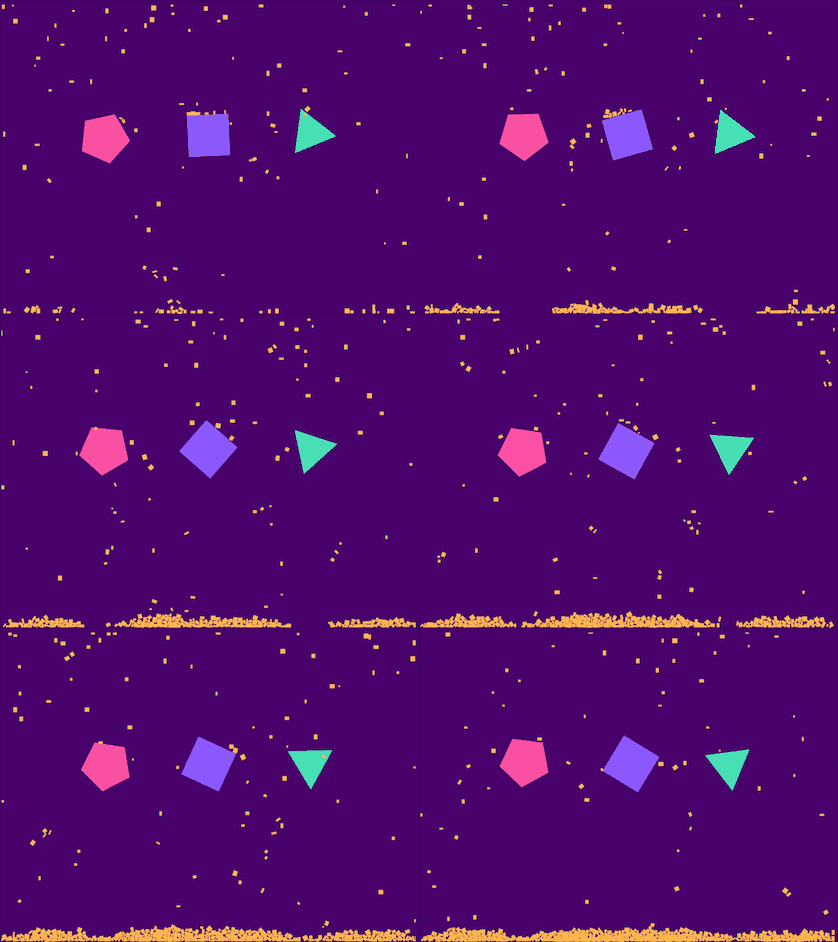
Shapes
I found a cool library called matter.js , a 2D rigid body physics engine for the web. It provides various function describing the real world movement. This week I learned about Bodies, Constraint, Composites as well as Engine and Render. For this sketch, the three big shapes in the middle of screen are matter.js bodies controlled by matter.js constraints. And small yellow objects are bodies without constraints.
Nov 10, 2018


Flights - data visualization
The inspiration is from Hands-on data visualization using p5. And I want the data to change along with user input. A user can input a...
Nov 3, 2018
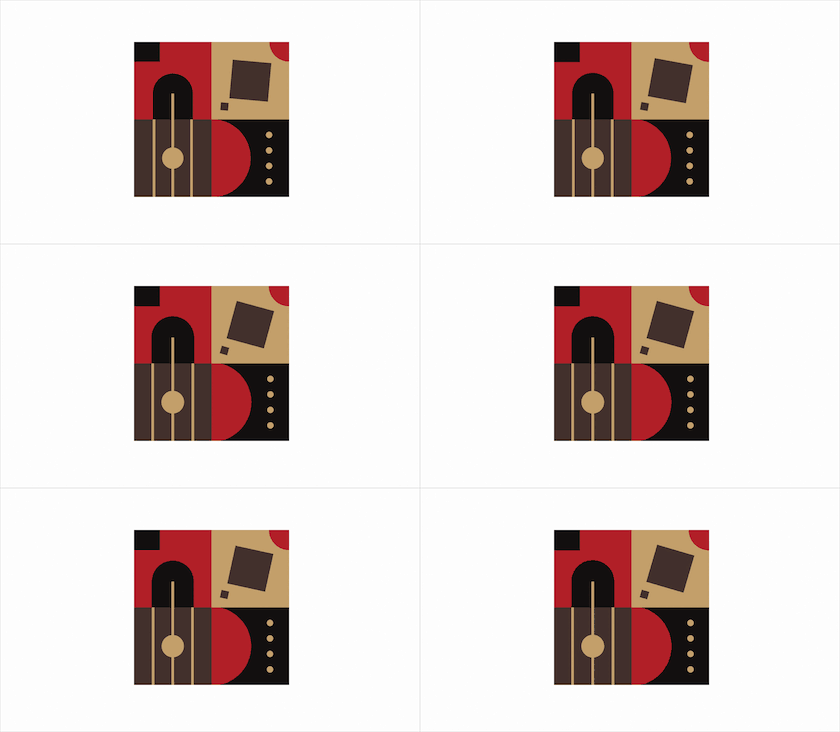
Pattern & sound
Using sound in a sketch is pretty cool! I created a pattern changing alone with the amplitude of a music. I tried to make the music loop...
Oct 19, 2018


Zombie game
Tool : p5.js, figma Ps. My high score is only 117 😞 How about yours? Initial idea As we all know, a zombie cannot live without brains, so in this game, we will help a zombie collect brains so it can live longer. For the initial idea, I drew a sketch to illustrate characters and elements within the game. There will be three classes , zombie, brain, and bomb. If there is enough time to implement more features, I will add another class-bomb. The classes and relevant properties
Oct 12, 2018


Fabric
I learned Perlin Noise last week, so I want to use Noise() function to create may my pattern. I try to imitate the interaction between a person and the fabric. The movement of the mouse can be like a person touching the fabric. At first, the pattern appears static. When you move the mouse, the fabric wrinkles and starts to move. I use the mouseY parameter to simulate the force of touch. The bigger the value of mouseY, the bigger the force of touching, so the amplitude of the
Sep 28, 2018


Customizable clusters
It is cool and very simple. I created a function named drawCircle() to create a single cluster. A cluster appears on the position of the mouse. function drawCircle(h, s, b) { for (var i = 0; i < windowHeight; i += 5) { rotate(frameCount *0.01); stroke(h, s, b); point(i, 0); } } Try it yourself.
Sep 28, 2018
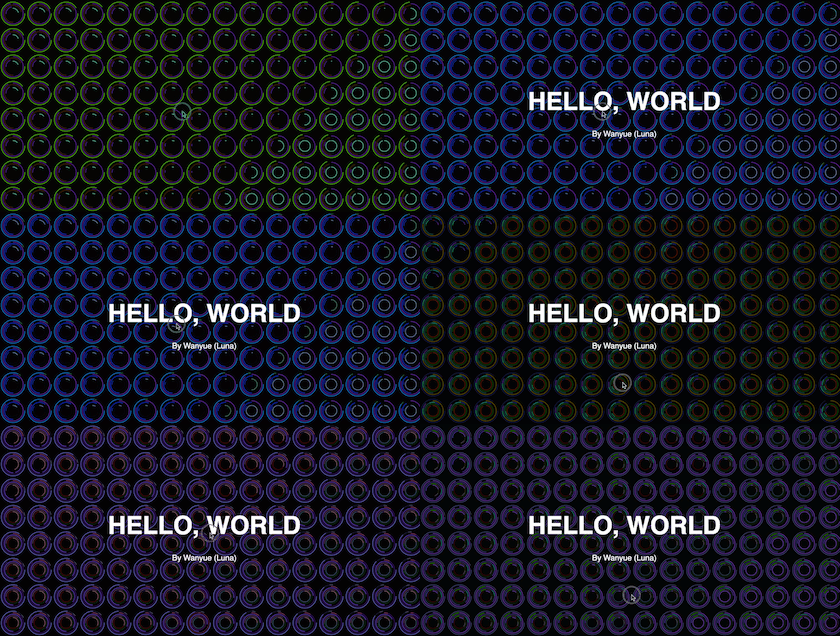
Neon lights
In this work, I used p5.js to mimic effect of neon lights by filling the whole screen with arcs with dynamic color and various size. All arcs' colors and angles are determined by mouse position. Users can use their mouse to interact with it. So there could be many beautiful patterns.
Sep 20, 2018
bottom of page